How it works
NOTE: Payment item code is required for any NECO payment, this item code can be gotten from the NECO website (www.neco.gov.ng). Ensure to verify your payment before proceeding to pay and note that refunds are not applicable once payment is completed.
Select Payment Item
Select or search for a payment category or a payment item you want to make payment for i.e Correction of Name, Syllabus, Exam Bag e.t.c
Get Payment Item Code
Payment item code is required for any NECO payment, this item code can be gotten from the NECO website www.neco.gov.ng. Ensure to verify your payment before proceeding to Pay and note that Refund is not applicable once payment is completed.
Fill the Payment Form
Fill the form in the box to the right and proceed to payment
Select Mode of Payment
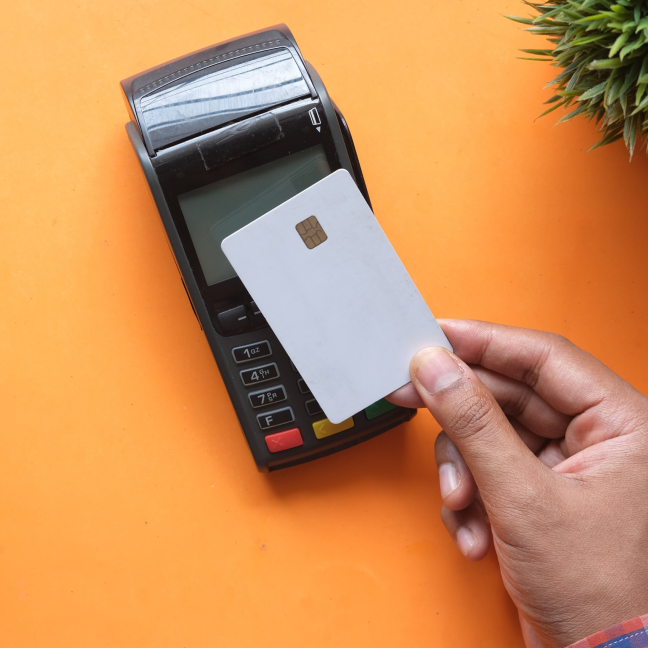
Select mode of payment i.e Bank branch payment or Debit card payment.
Confirm Your Payment
Go through the transaction breakdown, read and accept the disclaimer then click the confirm button to proceed
Evidence of Payment
Present Evidence of Payment to your nearest NECO office.